Make.com + Bento
Authorize Bento's Make (formerly Integromat) app to push events, subscribers, and purchase payloads into your automations.
+
automation no-code webhook
Authorize Bento's Make (formerly Integromat) app to push events, subscribers, and purchase payloads into your automations.
Quick facts
- Vendor
- Make.com (Integromat)
- Category
- second party
- Tags
- automation, no-code, webhook
Requirements
- Bento workspace with a site selected
- Make.com account with permission to install apps
Overview
The Make connector lets you:
- Trigger Bento events from any Make scenario.
- Update subscriber records or LTV fields using Make data.
- Start Bento flows whenever Make sends a payload.
Requirements
- Bento account with the site you want to connect.
- Make.com account (formerly Integromat) with app install rights.
Installation Steps
- In Bento, click Install Make (Integromat).
- Confirm the install prompt and click Install.

- Select the Make organization that should own the app, tick the checkbox, and click Install.
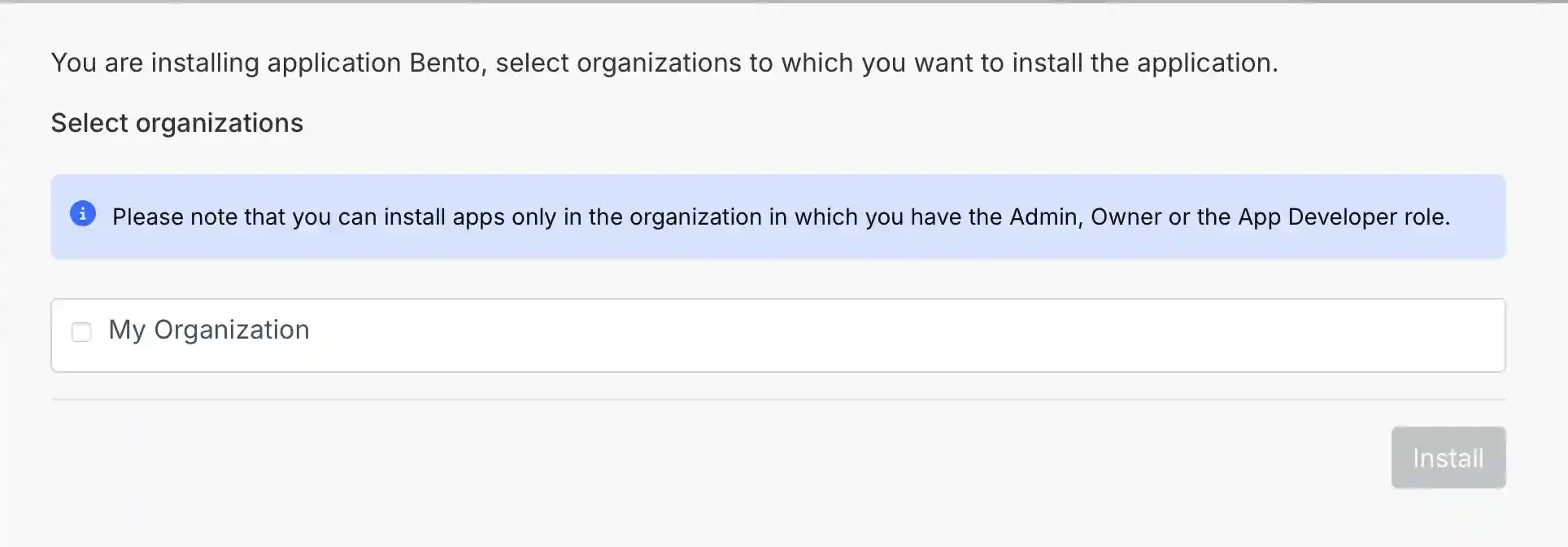
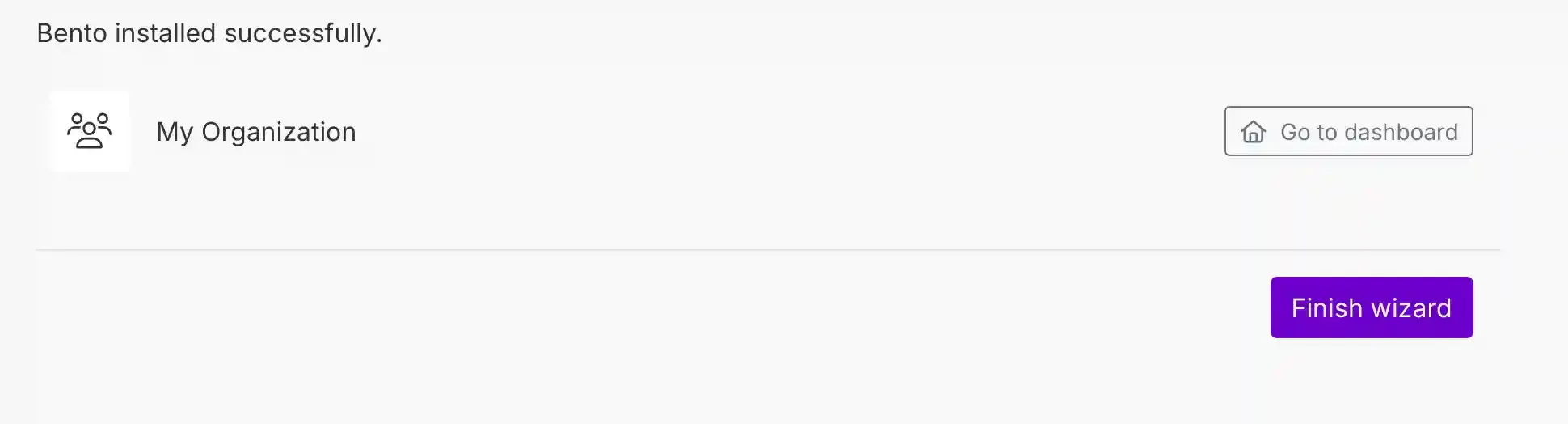
- After Make redirects back, click Finish wizard or Go to dashboard—the connection is live.
How the connection works
Once authorized, Bento appears as a module inside Make. Use it to send structured events, append purchase metadata, or maintain subscriber tags. Bento ingests each payload so you can:
- Update lifetime value and purchase frequency fields.
- Trigger flows or transactional journeys.
- Keep Bubble/WordPress/other stacks synchronized via Make’s scenarios.
Need the original Markdown? Open raw file